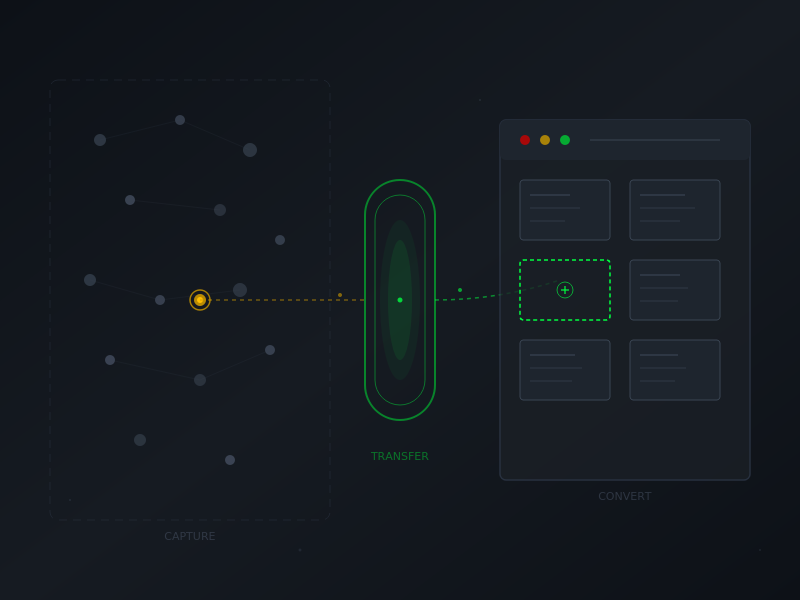
Some of the biggest challenges in working with an LLM is that you don’t have the same kind of portability built in that a human engineer would have. Unless you specifically request something be stored, it isn’t. And when I want to be able to document a number of different types of Claude use cases, I needed to be able to not just record them for posterity (later processing and publishing), I have to do so in a way that results in a predictable structure that Claude can use to merge those external session captures with my existing workflow.
The Claudefather project has a documentation problem. Not a lack of documentation—the opposite. The workflow, templates, and handoff process work well. The problem is that valuable sessions happen outside this project, where none of those tools are accessible.
I’d just finished a productive session in a completely different project—Web3 development work with no connection to the blog. Halfway through, I realized the session demonstrated patterns worth documenting. But I was three projects away from my templates, my workflow guide, my carefully constructed handoff format.
This session was about solving that portability problem.
Framing the Problem
I opened with the core challenge:
OK, in this session, we will evaluate how to best capture sessions outside of this project to add to the project for content creation. Please rebuild your context from the project files.Claude identified the issue precisely: valuable sessions happen outside this project where templates aren’t accessible and “documentation mode” isn’t active. Then came five questions probing the constraints—triggers, capture fidelity, lightweight methods, cross-project mechanics, real-time versus retroactive approaches.
My answer blended across multiple questions because the requirements were interconnected:
There are a lot of times where I have an "Aha!" moment deep into a session. Setting up context in advance to capture a session will be difficult when I am not in this project with that awareness already present. I need to be able to trigger a process within or after a conversation to create the same kind of handoff file using the same template which can be applied to a conversation retroactively.The key insight: I can’t predict which sessions will be worth documenting. The capture mechanism needs to work after value emerges, not require setup before a session starts.
The best documentation system is one you’ll actually use. A retroactive trigger (“capture this session”) fits natural workflow better than requiring advance setup you’ll forget when you’re focused on actual work.
Design Questions Before Building
Claude proposed a skill-based approach—a portable set of instructions that could be invoked in any project. But before writing any code, four design questions:
1. Trigger preference: command style (/capture) or natural language?
2. Output: file for download or content in chat?
3. Scope: full conversation or partial?
4. Metadata handling: what gets captured automatically versus filled in later?
These questions shaped everything. My answers:
1. I think natural language fits the flow of how we work together. "Capture this session for Claudefather" seems like a good approach to maintain specificity.
2. Yes, create a file for download. I will manually add them to a chat for analysis and conversion to our existing format.
3. I think let's capture the entire conversation.
4. My thought here is that you would generate a file which contains all of the relevant content, along with some metadata gathered from the conversation it is being compiled in.Ask design questions before building. Four questions here—trigger style, output format, scope, metadata—shaped the entire architecture. Spending two minutes on requirements prevents twenty minutes of rework.
The natural language trigger choice matters more than it might seem. Commands like /capture feel transactional—you’re issuing an instruction. Phrases like “Capture this session for Claudefather” feel collaborative—you’re making a request within a conversation. The difference is subtle but affects how the tool integrates into actual work.
Two-Stage Architecture
The answers revealed a two-stage workflow:
Stage 1 (Portable): Run anywhere. Lightweight capture that grabs verbatim prompts, response summaries, and basic metadata. Outputs a file for download.
Stage 2 (Context-Rich): Run in the Claudefather project. Takes the capture file, applies the full handoff template, adds issue taxonomy, cross-references, blog post notes—all the analysis that benefits from having the project’s full context available.
This split is the key architectural decision. Stage 1 stays lightweight because it needs to work anywhere without loading heavy templates. Stage 2 does the analytical work where the context exists to do it well.
So, if I run the skill in the Jinxbot project, it would grab that Project name to use as a placeholder, and then the rest of the information would be attached within an analysis chat session here in this project. Does that make sense?Two-stage workflows separate portable capture from context-rich analysis. Keep the portable part lightweight—just grab the raw material. Do the heavy processing where you have the context to do it properly.
Building and Testing
With design settled, Claude built the skill: a SKILL.md with trigger definitions and a capture-format.md reference template. The skill was packaged and ready to install.
One clarification before testing:
Should this be accessible from an existing chat in another project, or does it have to be a new chat to recognize the presence of a new skill?Skills load when conversations start. Existing chats won’t recognize newly installed skills—you need to start a new conversation for the skill to be available.
I installed the skill and immediately tested it on a real session—the Web3 gap auditing work that had sparked this whole effort. The trigger worked. Claude asked for a descriptive sentence, then generated a capture file with verbatim prompts and session dynamics.
The capture file came back to the Claudefather project for Stage 2 conversion. Review against the template requirements: sufficient content, verbatim prompts preserved, metadata present. One minor issue—a date error (2025 instead of 2026)—easily fixed during conversion.
The Recursive Session
This session has a peculiar structure: I built a tool for capturing sessions, then used it to capture a session, then documented this session about building it.
The recursion is amusing but also demonstrates the point. The capture skill worked on its first real-world use because the design questions were answered before building started. The two-stage architecture kept each part focused on what it does best. The immediate testing caught the date issue before the skill sat unused long enough for me to forget the context.
Portability problems are worth solving. The sessions that teach the most often happen when you’re not expecting them—deep in unrelated work, focused on something else entirely. Having a way to capture those moments, without requiring advance setup or context you don’t have, turns accidents into assets.
“Capture this for Claudefather” is now part of my vocabulary. The next unexpected insight won’t get lost.